











Pro-Path
Learn More


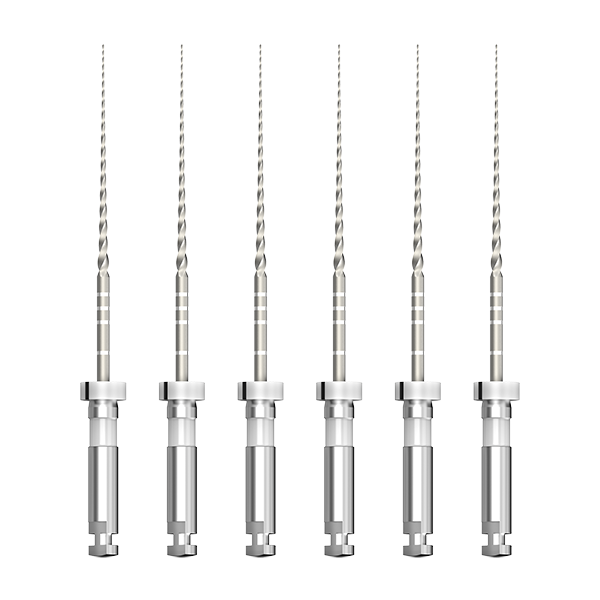 EMATE RAY
Step 1: Explore the root canal to working length (WL) using an ISO 10 K-file.
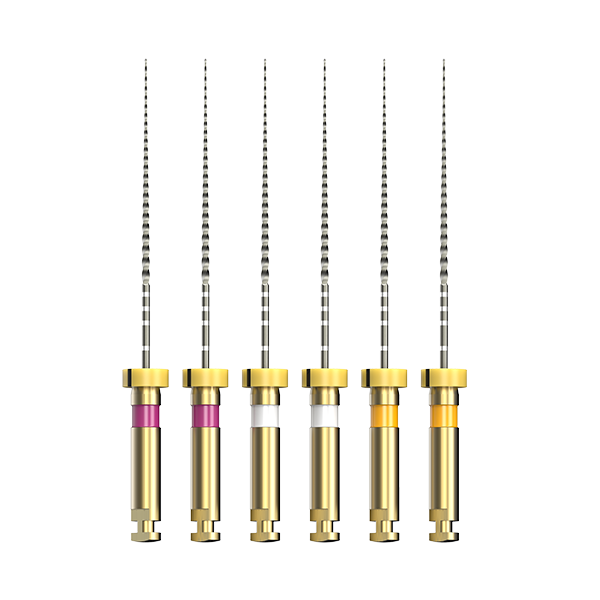
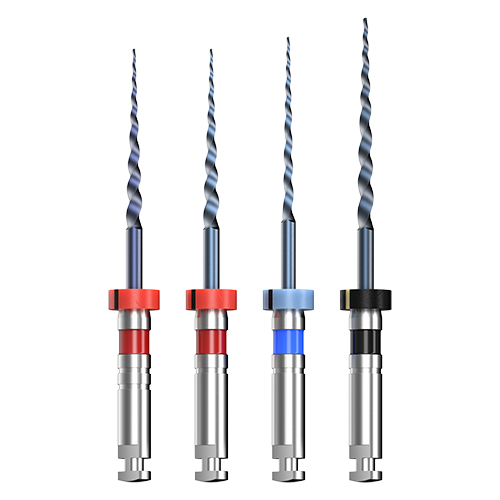
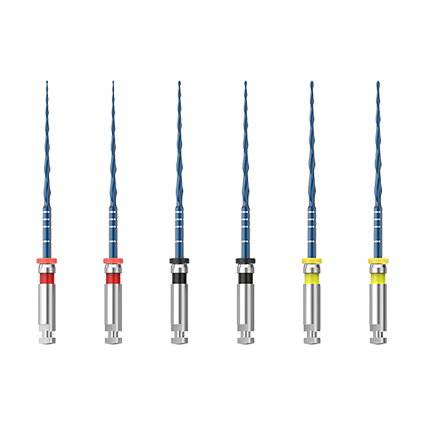
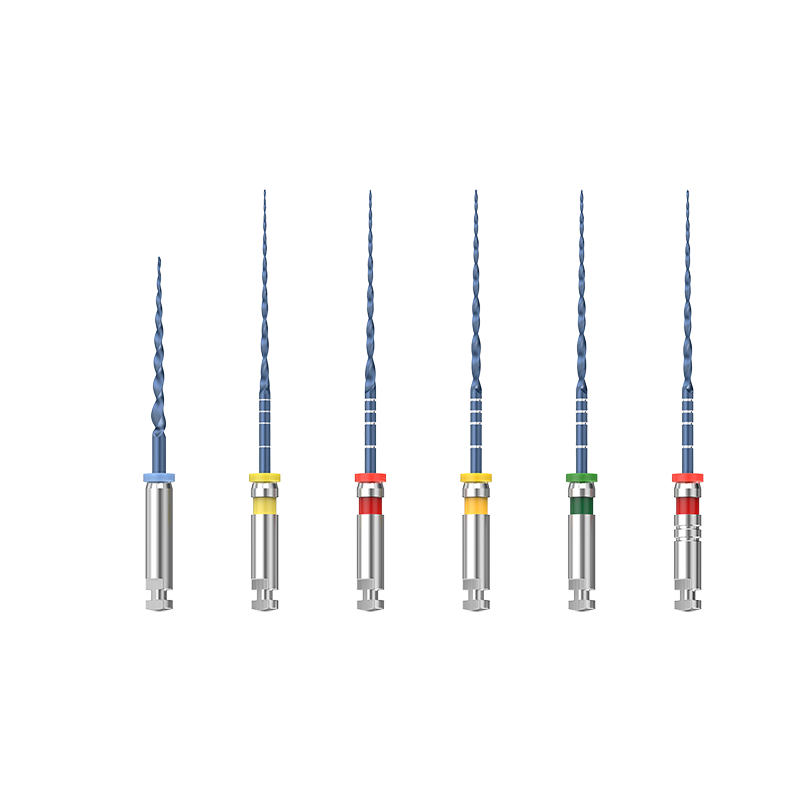
Step 2: Introduce #016 into the canal at 250–300 RPM. Advance approximately 2 mm at a time, then withdraw and clean.
Step 3: Repeat pecking motions until #016 smoothly reaches WL. At this point, the glide path is established to approximately ISO size 15.
Step 4: Proceed directly to the subsequent shaping system (e.g., D-Shaper, Pro-Flexi, etc.) using the S1 or the corresponding first shaping file.
Note: As a dedicated glide path file, Pro-Path is recommended for establishing the glide path prior to the use of any shaping files. In calcified canals, initial exploration with an ISO 8 or 10 K-file is recommended before using Pro-Path.
This device is supplied with electronic instructions for use only, which are available in our Download Centre. Safety and performance information is contained therein. Please carefully review the instructions before use.
| File Model | Tip Ø (mm) | Taper | Length | Function | Package |
|---|---|---|---|---|---|
| #016 | 0.15 | 2–6 (variable taper) | 21/25/31mm, FG | Single-file glide path instrument, replaces manual ISO 15 K-file | 6 pcs/box, single |